House photo identity
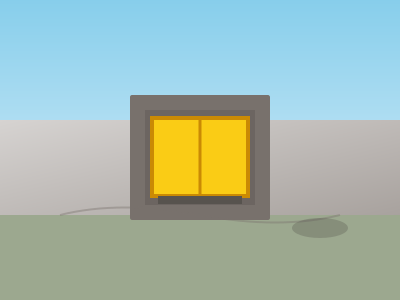
GPS pins fail on real streets. Neighbours navigate by the gate, the transformer, the yellow house — plus a photo from the road.
Community pager
Built for Nigerian estates first, open to streets anywhere. When something happens, permitted members tap SOS. Phones show which house, who, and that help is needed — not a muted WhatsApp thread.


App Store soon. Until then, your street admin shares the install build and join code.
DUTY — EMERGENCY
Yellow gate · Block 4
The Abdullahi Family

Pick the estate or street name, set how people join, and share the street code with heads of house.
Each house adds gate + street photos, a landmark neighbours already use, and invites family by phone or email.
Push (and duty SMS on emergencies) show which house. Neighbours tap I am responding; head or admin sends all clear.
GPS pins fail on real streets. Neighbours navigate by the gate, the transformer, the yellow house — plus a photo from the road.
Security and street admins receive DUTY with the house photo, landmark, and street context — SMS on emergencies and medical.
The triggerer sees who heard them. Neighbours tap I am responding. All clear ends the blast without a group chat.
Phone OTP, email, Google, or Apple — one account. Household heads invite family by phone or email.
SOS101 is not the police, not 112, and not a guarantee anyone will arrive. We deliver the alert to registered phones in your community. Silent mode and Do Not Disturb can still dampen notifications on some devices.
Ready to wire your estate?